Interlock Ransomware: A Fake Browser Updater, a RAT, and Why Default-Deny Comes First
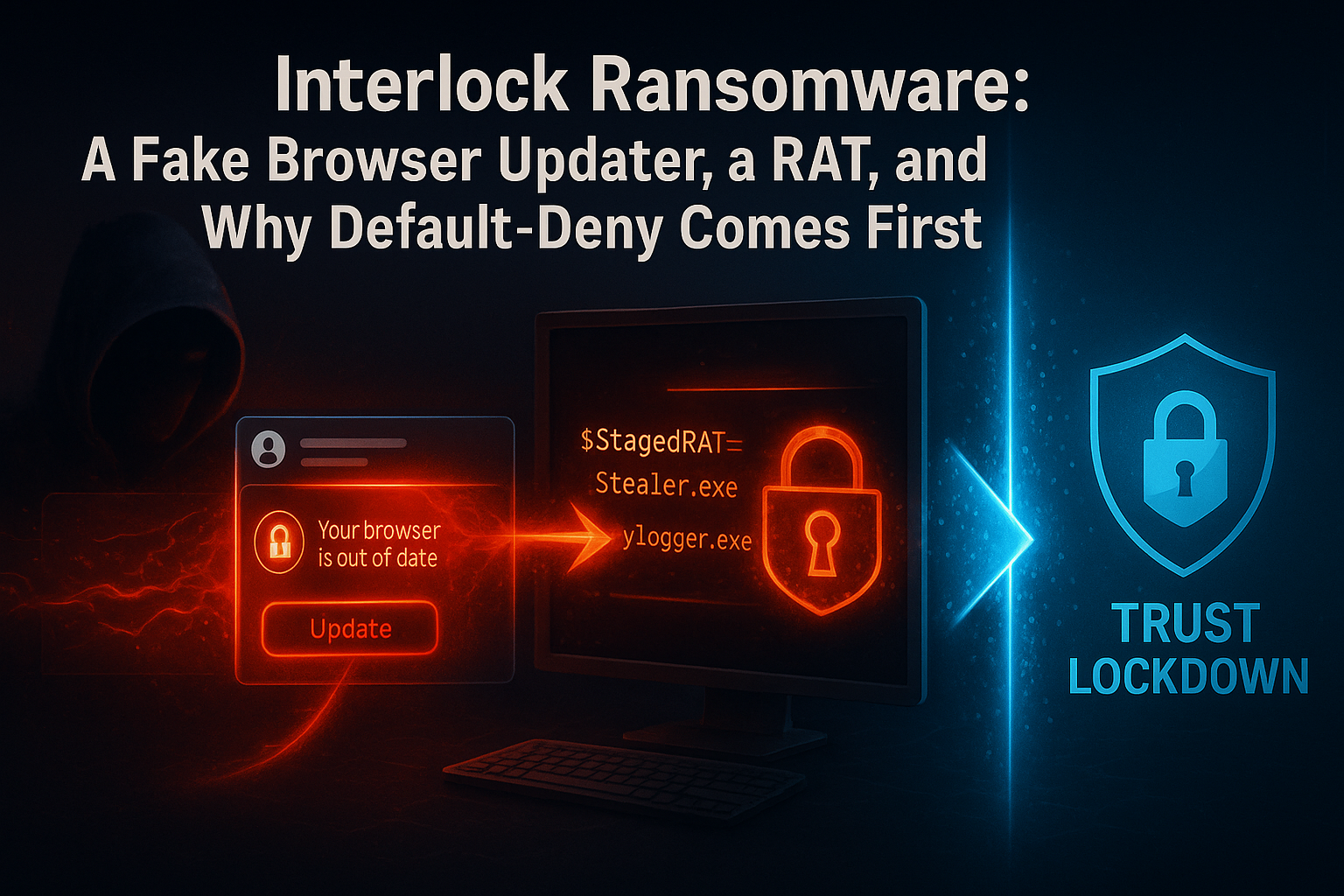
Cisco Talos detailed an Interlock intrusion that chained a fake browser-updater RAT, PowerShell, a credential stealer, and a keylogger before encryption. Each link is unauthorized code — and default-deny is built to stop unauthorized code from running.
Date: November 7, 2024 Primary Source: Cisco Talos (Talos) · BleepingComputer (BleepingComputer)
Executive Summary
- What: Cisco Talos documented a big-game-hunting, double-extortion intrusion using the relatively new Interlock ransomware, delivered through a multi-stage chain that began with a fake browser updater.
- Who is affected: Organizations across healthcare, technology, and government (U.S.) and manufacturing (Europe); Interlock has both Windows and Linux/FreeBSD encryptor variants.
- Severity: High — hands-on-keyboard intrusion with data exfiltration and cross-platform encryption.
- Action required: Add a default-deny execution layer so the fake updater, RAT, scripts, and encryptor cannot run unless approved — alongside RDP hardening, MFA, and backups.
Overview
On November 7, 2024, Cisco Talos published an analysis of an intrusion using Interlock, a ransomware operation that emerged in late 2024. (Talos) Rather than a single payload, the attack used a delivery chain: a Remote Access Tool (RAT) disguised as a fake browser updater, followed by PowerShell scripts, a credential stealer, and a keylogger — and only then the ransomware encryptor. (Talos) (BleepingComputer)
The operators relied on RDP for lateral movement, along with legitimate tools such as AnyDesk and PuTTY, and used Azure Storage Explorer / AZCopy to exfiltrate data to attacker-controlled cloud storage. (Talos) Talos identified distinct Windows (PE) and Linux/FreeBSD (ELF) variants — the FreeBSD build aimed at virtualization and infrastructure servers — and assessed with low confidence that Interlock may have emerged from Rhysida operators. (Talos)
The throughline for defenders is simple: at almost every step, the attack depended on running software the organization never approved. That is precisely where White Cloud Security (WCS) Trust Lockdown applies.
Threat Summary
| Field | Detail |
|---|---|
| Malware family | Interlock ransomware |
| Public report | November 7, 2024 (Cisco Talos) |
| Delivery | Fake browser-updater RAT → PowerShell → credential stealer → keylogger → encryptor |
| Lateral movement | RDP, AnyDesk, PuTTY |
| Exfiltration | Azure Storage Explorer / AZCopy to attacker cloud storage |
| Platforms | Windows (PE) and Linux/FreeBSD (ELF) variants |
| Targeted sectors | Healthcare, technology, government (U.S.); manufacturing (Europe) |
| Possible link | Rhysida operators (low confidence, per Talos) |
| Exploited in the wild | Yes |
Technical Analysis
How the Attack Works
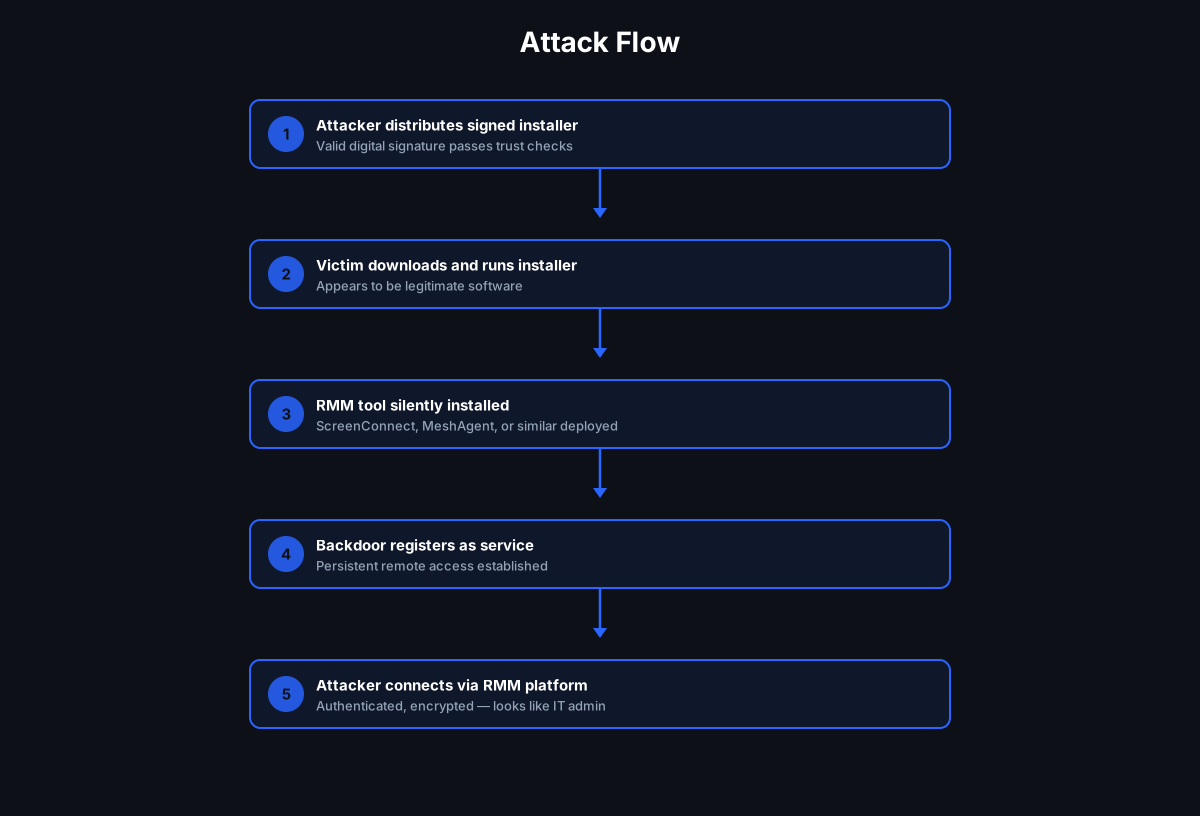
Per Talos, the chain unfolded roughly as follows: (Talos)
- Initial access via a fake browser updater. A RAT masquerading as a legitimate browser update gives the attacker remote control.
- Scripting and theft. PowerShell scripts run, followed by a credential stealer and a keylogger to harvest access.
- Lateral movement. Operators use RDP, plus AnyDesk and PuTTY, to move through the network.
- Data exfiltration. Azure Storage Explorer (AZCopy) copies victim data to an attacker-controlled Azure blob.
- Encryption. The Interlock encryptor (Windows or FreeBSD/Linux) is deployed for double extortion.
Payload and Impact
The combination of data theft and cross-platform encryption — including a FreeBSD variant aimed at virtualization hosts — makes Interlock a serious operational and data-exposure threat. Targeting healthcare and government raises the stakes for service continuity and sensitive records.
Why Traditional Defenses Struggle
- The first stage looks like an update. A "browser updater" is exactly the kind of thing users and tools expect to see.
- Legitimate remote tools blend in. AnyDesk, PuTTY, and RDP are common in admin work, so their abuse is hard to flag.
- Cloud-native exfiltration via AZCopy/Azure Storage Explorer resembles normal cloud activity.
- A new family may evade signatures, and binaries can be rebuilt to change hashes.
How White Cloud Security Trust Lockdown Stops This
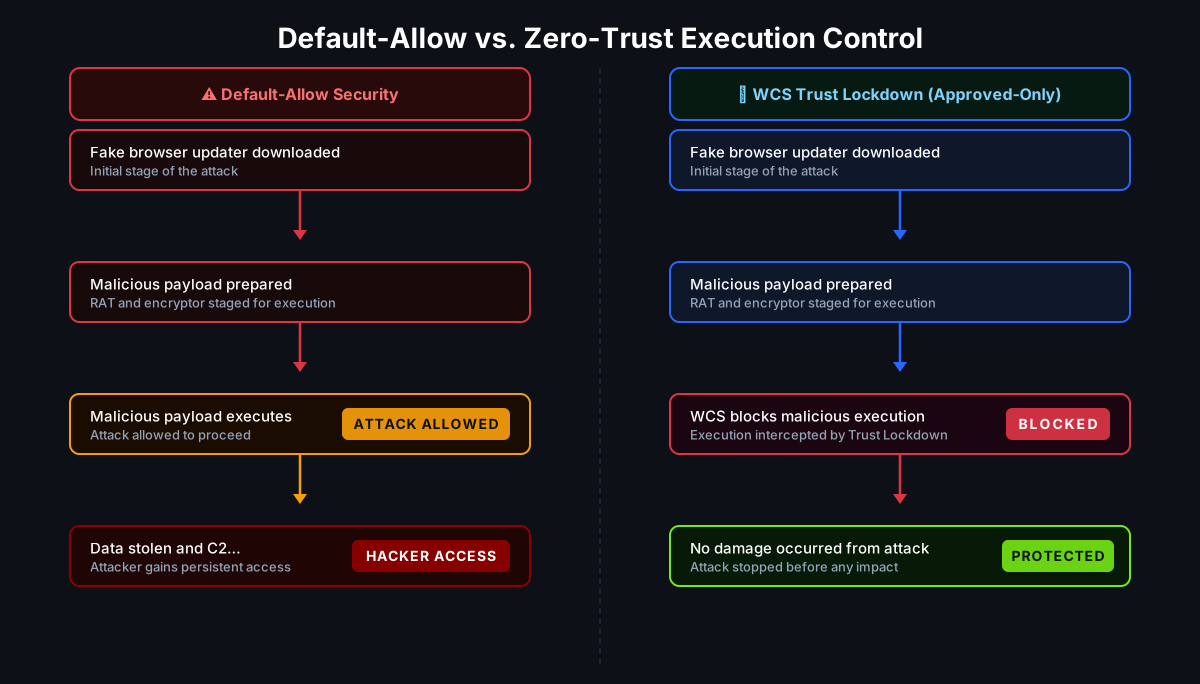
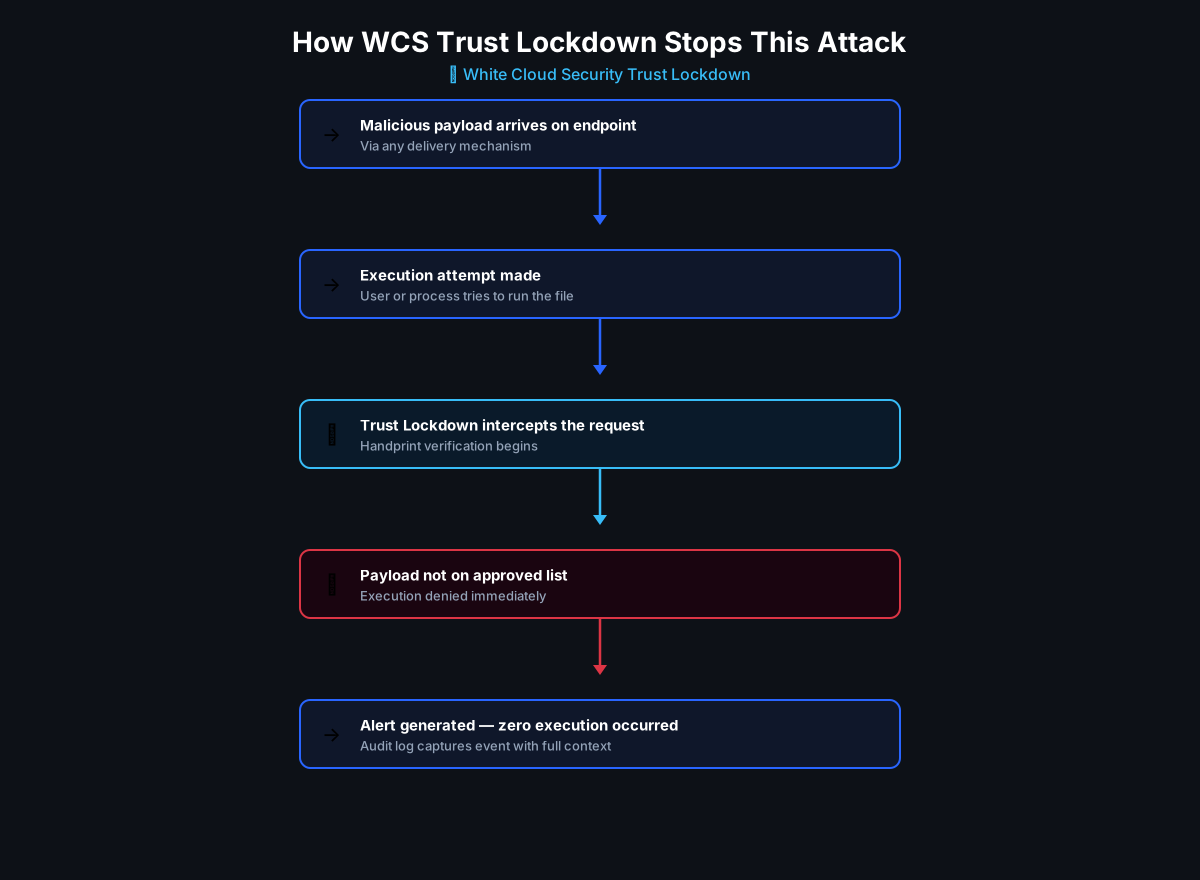
WCS Trust Lockdown enforces a default-deny, Zero-Trust App Firewall: nothing executes unless it has been explicitly Approved by application, publisher/certificate, handprint, and approved parent-child relationship.
| Attack step | How WCS would help |
|---|---|
| Fake browser-updater RAT | The unapproved RAT would be denied execution — it is not approved software regardless of its name |
| PowerShell stealer/keylogger stages | Unapproved scripts and binaries would be blocked; parent-child controls help stop a browser or script host from launching unapproved children |
| AnyDesk / PuTTY abuse | If not approved for the environment, these tools would be denied; where approved, governance limits their use |
| Interlock encryptor (Windows/FreeBSD) | The unknown encryptor would be prevented from running — no signature or family name required |
| Rebuilt binary | Handprint identity (SHA-1, SHA-256, SHA-512, MD5, CRC32, file length) means a changed hash would still be denied |
WCS also would give administrators visibility into blocked applications, surfacing the fake updater and tooling for review. Stated plainly: WCS would help block the unauthorized execution stages and would reduce the attack surface, but it does not by itself prevent stolen credentials, RDP access, or data already exfiltrated through approved cloud tooling — it complements MFA, EDR, RDP hardening, network controls, and backups.
At White Cloud Security, we continue to track and report new hacking methods and tools — not just because of their immediate threat, but because patterns of reuse often expose the playbooks of these cybercriminal groups.
Recommended Mitigations
- Deploy default-deny application control so fake updaters, RATs, and encryptors cannot run.
- Treat browser/update prompts with caution; deliver updates through managed channels only.
- Govern remote-access tools (AnyDesk, RDP) — approve, monitor, and restrict.
- Watch for AZCopy / Azure Storage Explorer misuse and unusual outbound cloud transfers.
- Maintain tested, offline/immutable backups and harden virtualization/FreeBSD hosts.
Key Takeaways
- "It's just a browser update" is a delivery tactic — execution control denies it anyway.
- Interlock is cross-platform — Windows and FreeBSD/Linux variants threaten infrastructure too.
- Handprint identity denies rebuilt encryptors that defeat signatures.
- Prevention complements RDP hardening, MFA, EDR, and backups.
References
- Cisco Talos — Unwrapping the emerging Interlock ransomware attack (Talos)
- BleepingComputer — Meet Interlock — The new ransomware targeting FreeBSD servers (BleepingComputer)
- Infosecurity Magazine — Interlock Ransomware Targets US Healthcare, IT and Government Sectors (Infosecurity)